An online booking system built around your services and staff
Your clients should be able to book while you're busy doing the work. We set up an online booking system that fits your services, your staff and the way you schedule, either on XOLBY, the booking platform we built and run, or as a custom build inside your website or app.
XOLBY is the multi-tenant booking and production system we built and maintain: booking wizard, crew scheduling, client portal and payments. It was first built for a studio that sends crews out to shoots, so it's strongest where staff travel to the job and deliver work afterward.
A custom booking system
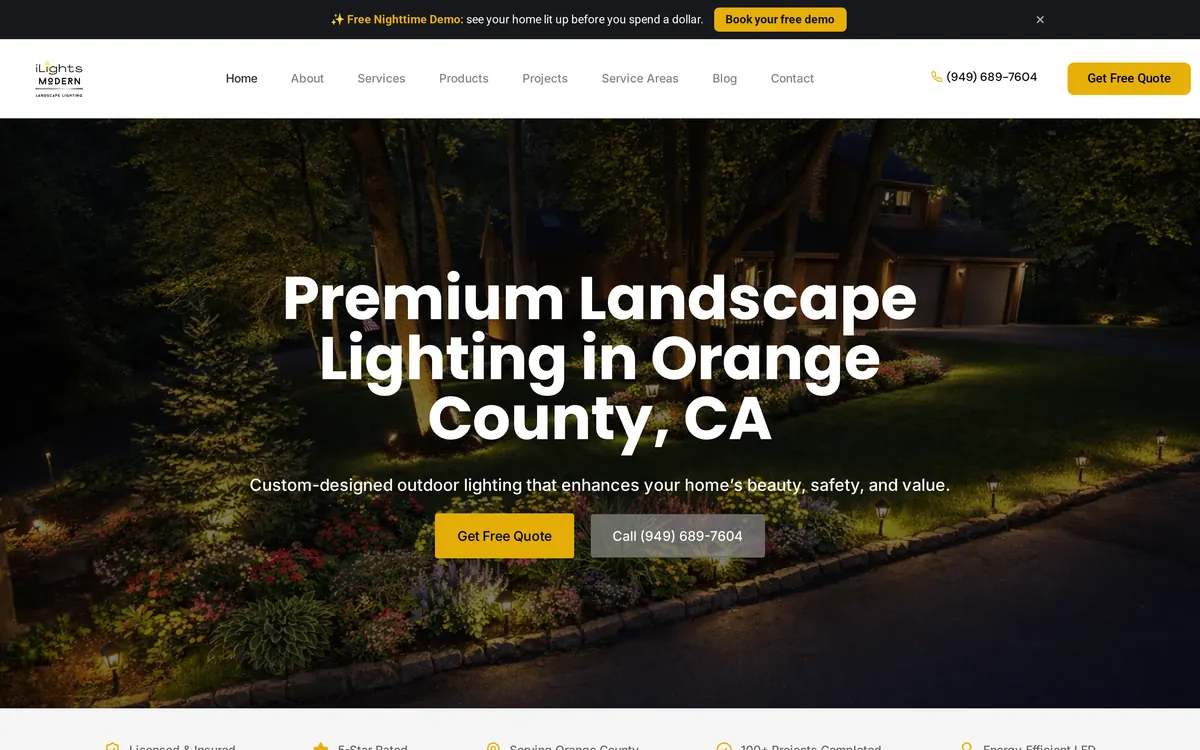
When your rules don't fit a platform, we build booking into your own site or app: your services, your staff rules, your intake questions, your admin. The booking flow on iLights Modern works this way. A self-booking form creates a consultation or install request, and the team moves it through a status workflow.
Book With NAV: our platform in daily use
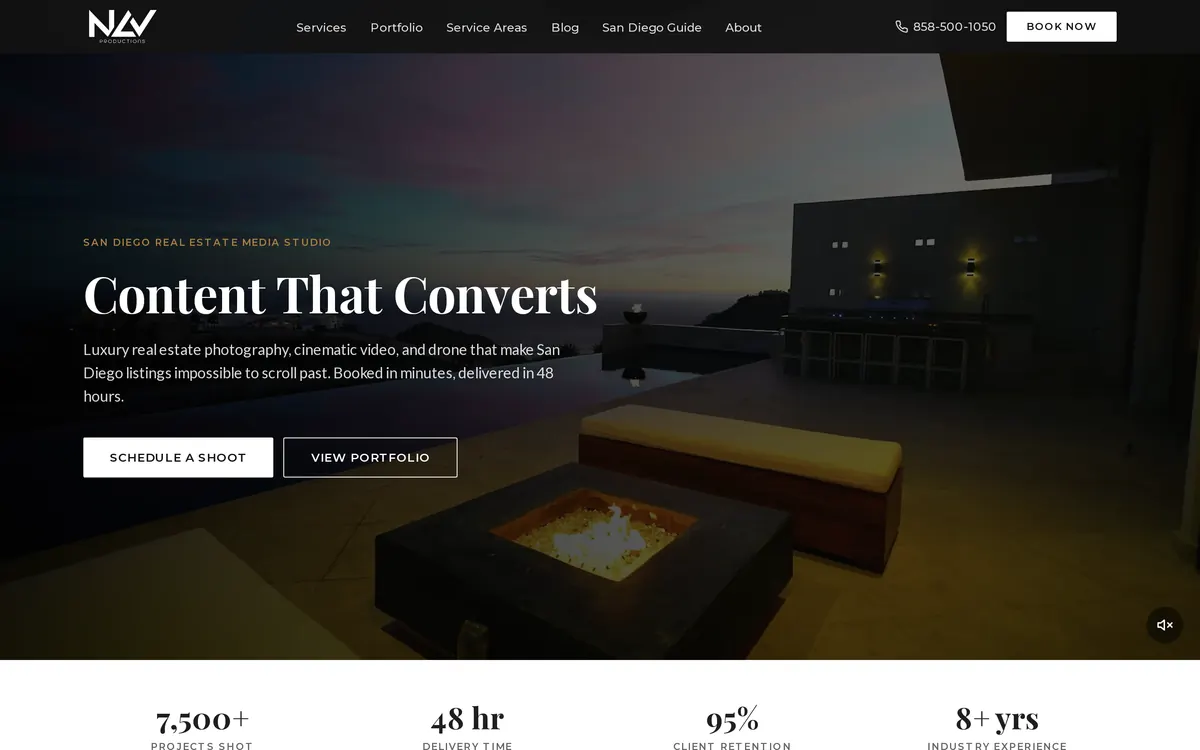
NAV Productions is a real estate photo and video studio in San Diego. On bookwithnav.com, agents book a shoot through a booking wizard with address autocomplete, and the listing details are pulled in automatically. They can pay with a saved card or use a promo code, and if they leave halfway, the unfinished booking can be picked up again. Once a booking is paid, the time slot is locked.
Behind the booking page, the studio schedules crews by skills and availability, delivers finished media from the editors' Dropbox to a client portal with SLA timers, and handles crew payouts and profit per job, all in the same system.
What a booking system can include
We scope this to your business. Some of these come from XOLBY as it runs today; others are built for you. Your quote says which is which.
Services with their own length, price and intake questions
Staff matched to bookings by skill and availability
Working hours and blocked dates
Payment at booking, with saved cards and promo codes
Booking confirmations and updates by email or text
Recovery of bookings people started but didn't finish
An admin dashboard to see the day, reschedule and manage clients
A booking flow in English, Spanish or both
Custom booking or an off-the-shelf tool like Calendly or Square?
Use an off-the-shelf tool when
You book simple appointments for one or two people
A standard booking page is fine for your brand
You don't need booking data inside your other systems
Go custom, or use XOLBY, when
Bookings depend on addresses, property details, staff skills or equipment
You need payment, scheduling and delivery of the work in one place
Clients need a portal to see their bookings and files
You want the booking flow on your own site, under your own brand
We take our own advice. The “Book a call” button on this site opens a Trafft booking page, because a simple call calendar is exactly what those tools do well.
Connect bookings to the rest of your business
A booking shouldn't end in an inbox. We connect new bookings to your CRM so reminders, follow-ups and pipeline stages run on their own (CRM automation), and after the appointment a review request can go out automatically (automated review requests). Booking can also live inside a bigger custom web app or an installable PWA your clients keep on their phone.
We start with a call about how you book today and where it breaks down. Then we map your services, staff and rules, and you test the whole booking flow on a private preview link before it goes live. After launch we can host and look after it on our servers; see ongoing hosting and maintenance.
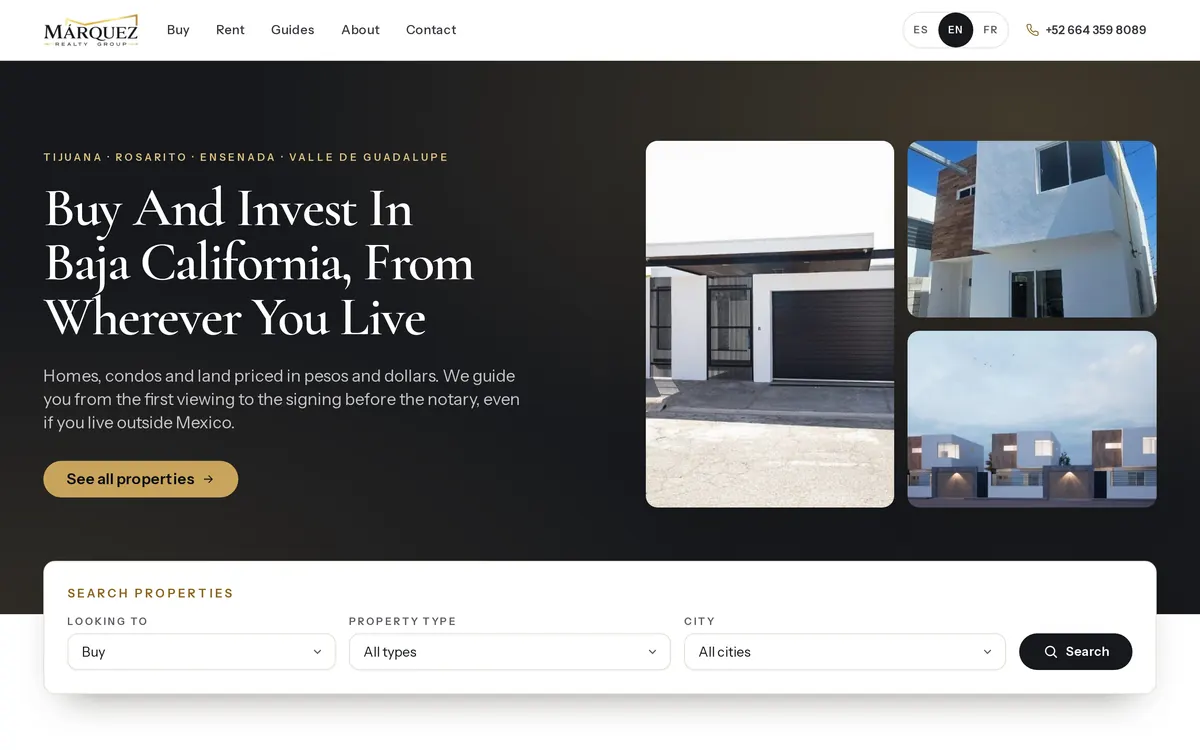
Yes. The booking flow, confirmations and emails can run in Spanish, English or both. The Márquez Realty Group site, for example, takes appointment requests in English, Spanish and French.
Can I take payment or a deposit when clients book?
We've built payment at booking: on Book With NAV, clients pay online with saved cards or promo codes, and a paid booking locks the slot. Whether you charge the full amount or a deposit is a rule we set up with you.
Can it work for multiple locations?
If you need it, yes. Locations become part of the plan: which services each location offers, which staff work where, and each location's hours. We map that out before building anything.
Can you add booking to my existing website?
Yes. It can be a booking page on your current site, a button that opens the booking flow, or an embedded form. If your site sits on a builder that limits what can be added, we'll explain the options.
Is XOLBY a fit for my business?
Maybe. It was built for businesses that schedule people and deliver work afterward, like a media studio. On a call we'll tell you plainly whether XOLBY fits, or whether a custom build or an off-the-shelf tool would serve you better.