PWA development services: apps people install from the browser
A progressive web app (PWA) installs from the browser onto a phone's home screen, opens like an app and can send push notifications. Our PWA development services cover all of it, from the app itself and the staff panel behind it to push notifications and hosting, without waiting on app-store review.
A PWA is a web app built to behave like a phone app. Three things make the difference:
Install from the browser. People add it to their home screen from Chrome or Safari. No App Store or Google Play listing needed.
Push notifications. The app can send alerts to the phone's lock screen, like a native app.
Offline basics. A service worker can keep key screens loading on a weak connection.
One catch on iPhone: push notifications only work after the person adds the app to their home screen, on iOS 16.4 or later. So the app should show people how to install it, and we build that in.
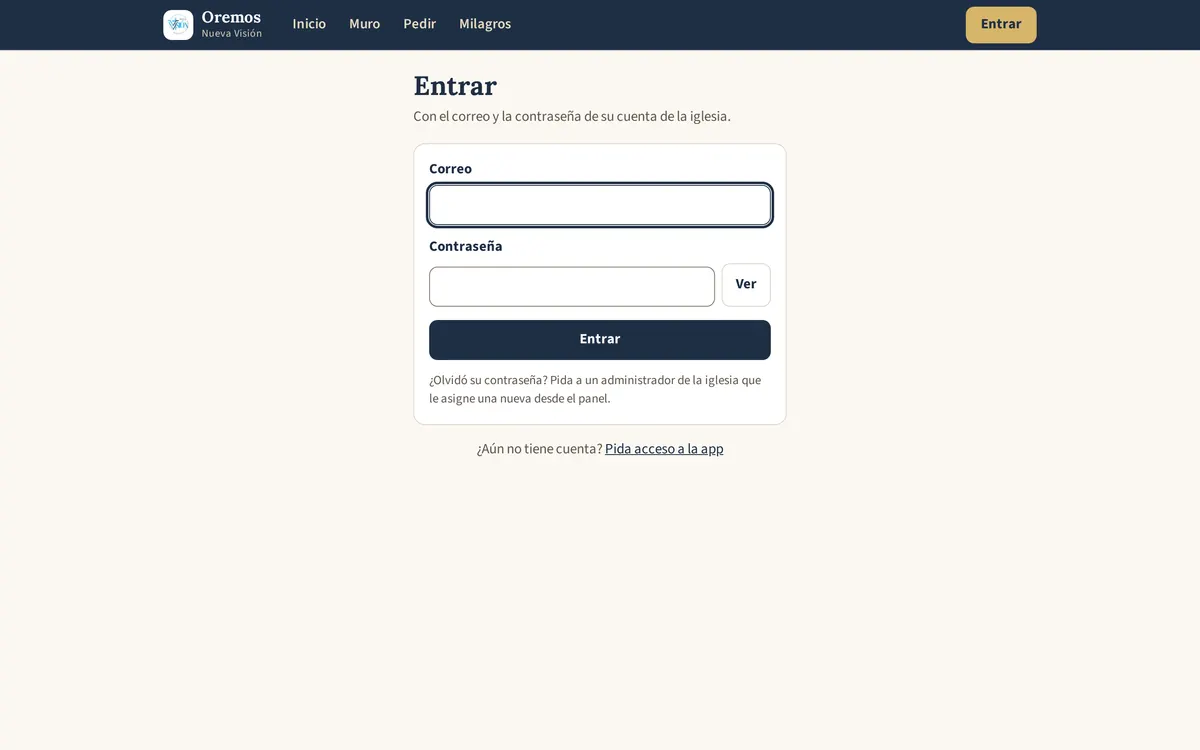
A real example: Oremos, a prayer app for a church
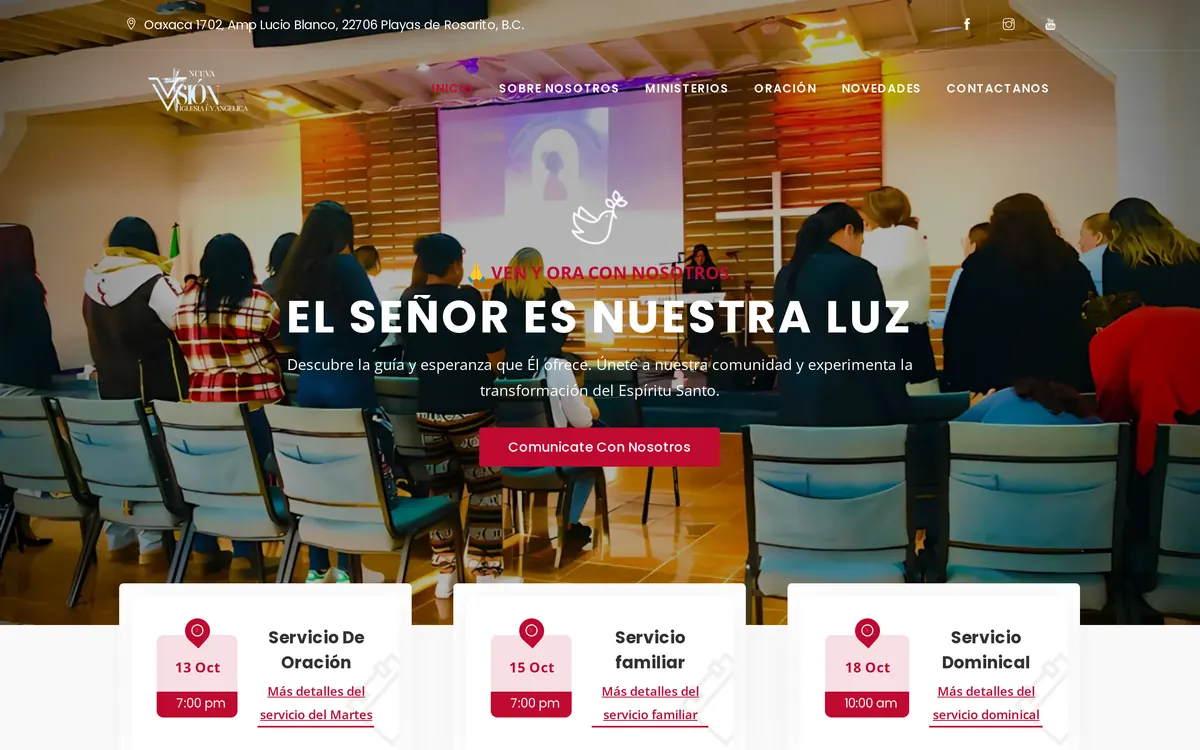
Iglesia Evangélica Nueva Visión needed a way for members to ask for prayer and for the prayer team to keep up with every request. We built Oremos, a Spanish-language PWA. In any screenshots we show, names and requests are blurred.
Prayer requests with privacy choices: prayer team only, the public wall, or pastors only
A prayer wall with an 'I prayed' counter, answered-prayer testimonies, and announcements and events with add-to-calendar
Push notifications plus an in-app bell, with settings for each person; lock-screen texts never show names or request details
Five roles, from member to admin, with new sign-ups approved by an admin
A staff panel with a verification queue, bulk actions, tags and summary analytics
Photo-to-text intake: staff photograph paper prayer forms, Gemini transcribes them, and the team reviews before saving
Widgets that bring the prayer form, wall and calendar into the church's website
PWA, native app or website?
Install: a website doesn't install. A PWA installs from the browser in a few taps. A native app installs from the App Store or Google Play.
Push notifications: not on a plain website. Yes on a PWA (on iPhone, once it's installed). Yes on a native app.
Updates: a website and a PWA update as soon as we publish. A native app update goes through store review, and people have to install it.
App-store review: none for a website or a PWA. Required for every native release.
Upkeep: a website and a PWA are one codebase. A native app usually means separate iOS and Android work, plus store accounts.
Device features: a PWA can use the camera, photos, location and notifications, which covers many business apps. A native app has full access to the phone.
Native is the better choice when you need deep hardware access, heavy offline use or an app-store listing from day one. If that's you, we'll say so.
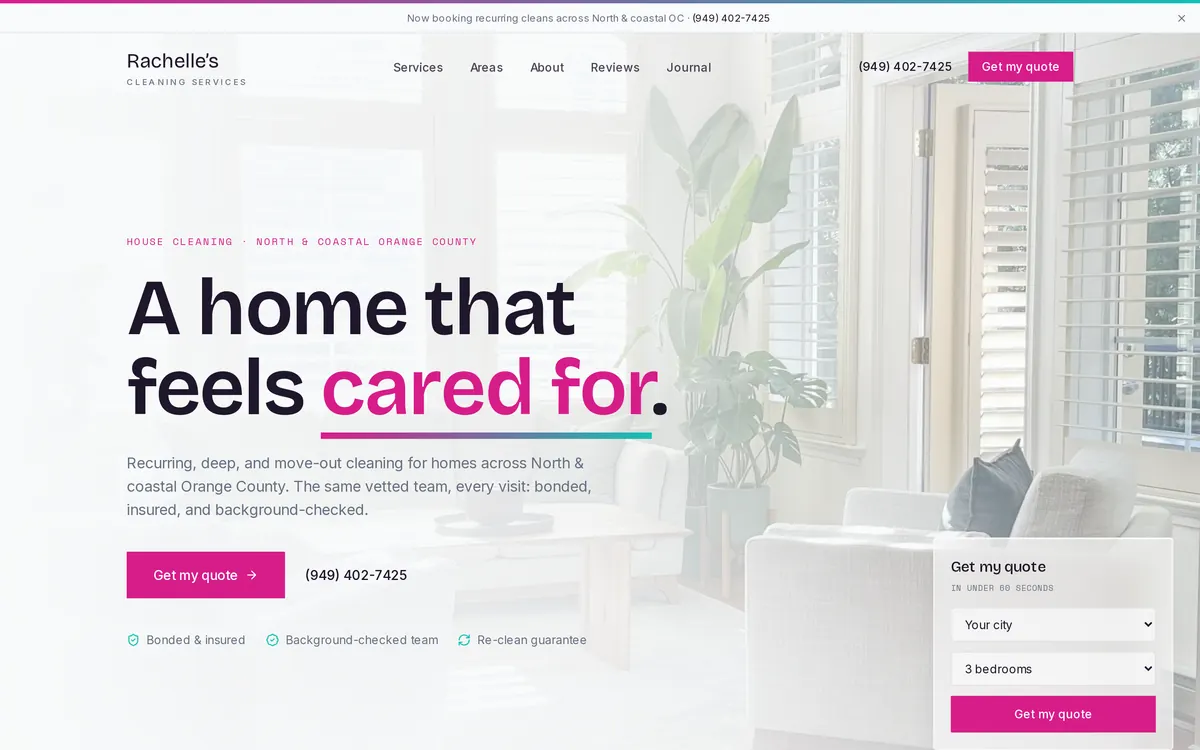
We also built Rachelle's Cleaning Services an owner dashboard that installs as a PWA and sends push notifications to the owner's phone.
Features we build into PWAs
A PWA is a custom web application with an install layer on top, so anything we build into web apps works here too, including the booking flows from our online booking systems and AI features like photo-to-text, covered in AI integration.
Logins and role-based access
Push notifications with per-person settings
An in-app notification bell
Photo and camera upload
Offline caching of key screens
An admin or staff panel
English, Spanish or both
Process and hosting
It runs like any app project: a call, a written scope with the main screens, staged builds on a private preview link you install on your own phone, then launch. Push notifications need a server that stays online and keys that are stored safely, so hosting matters here. We can host the app and keep it updated; see managed hosting and maintenance.
Yes. People install it from Safari with Share, then Add to Home Screen. Push notifications on iPhone need iOS 16.4 or later and the app added to the home screen.
Can it be in the App Store or Google Play later?
Google Play accepts PWAs packaged as a Trusted Web Activity. Apple reviews apps that wrap a website more strictly and may expect features a website can't offer. If a store listing matters to you, we'll go through what it would take before you commit.
How do push notifications work?
When someone installs the app and allows notifications, their browser gives the app a private subscription. Your server uses it to send alerts through the browser's push service (Web Push with VAPID keys). People choose what they receive, and we keep sensitive details off the lock screen.
Can the app be in Spanish?
Yes. Oremos is entirely in Spanish, and an app can also run in both English and Spanish, with notifications in each person's language.
Will it work offline?
Partly. A service worker can cache screens and data people have already opened, so the app still loads on a weak connection. Anything that needs fresh data, like sending a new request, needs a connection.